Program > Marketing gives you materials to promote your loyalty programme. It's split into eight sections: Invitations, Assets, Instagram, Facebook, TikTok, LinkedIn, Posters and Digital Screens. You don't have to use them all: pick the ones that fit how you reach your customers. Click Next to move to the next section.
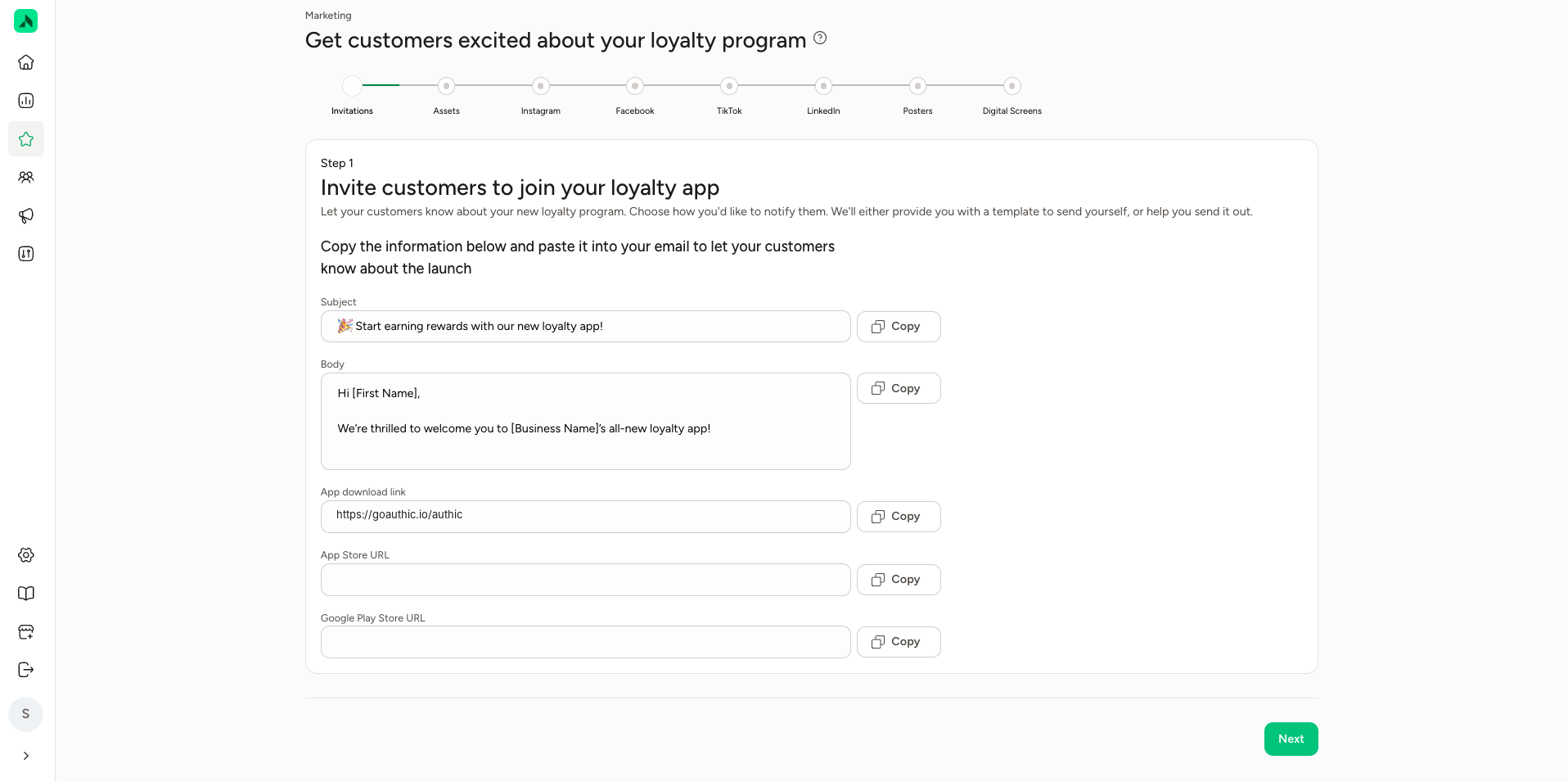
Invitations: your app's download links
Under Invitations you'll find your app's download links:
- App Store URL: the link to your app in the Apple App Store.
- Google Play Store URL: the link to your app on Google Play.
Use these links wherever you want to promote the app, for example in emails, on your website or on social media.
Digital Screens: your unique QR code to download the app
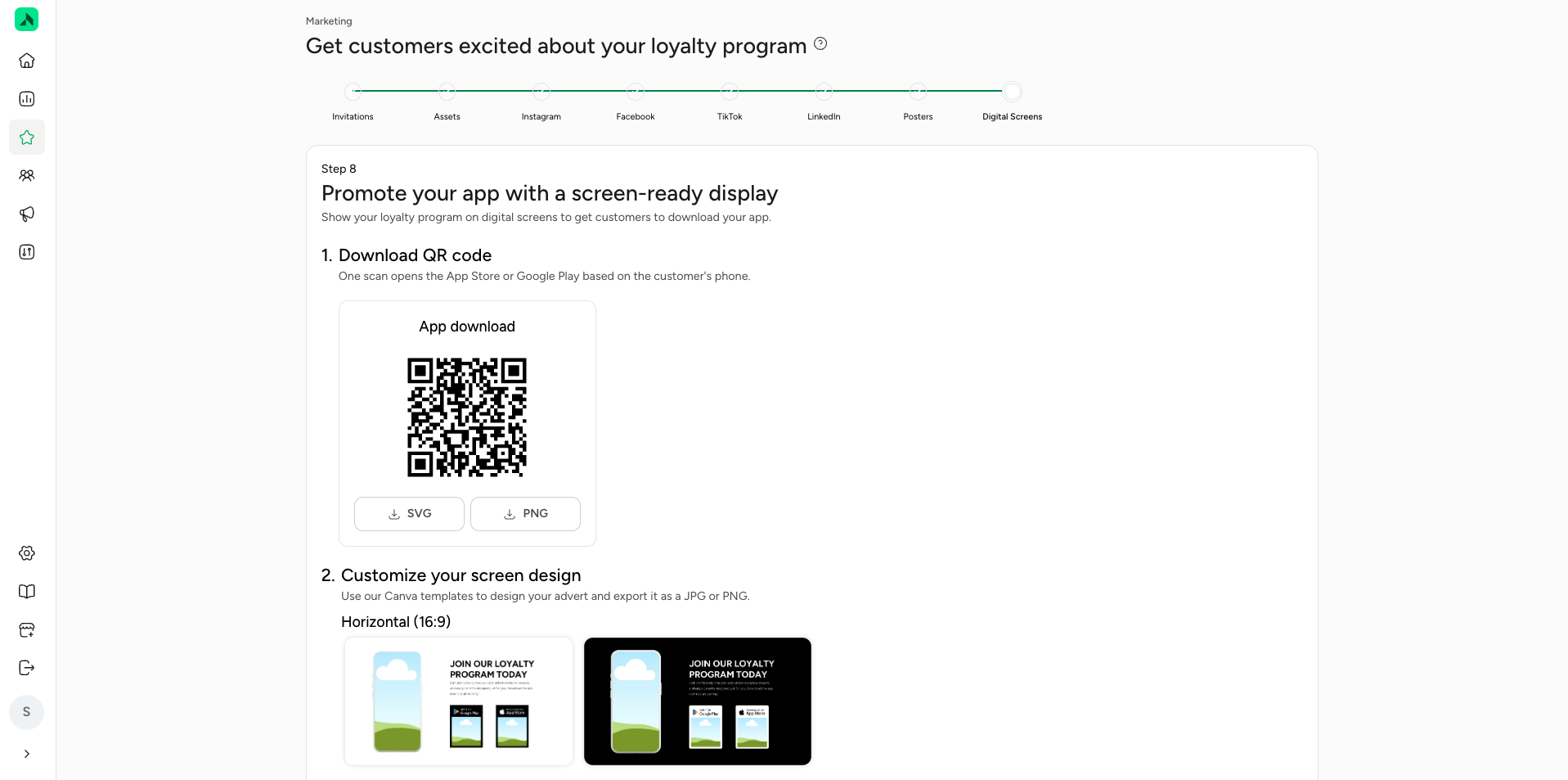
Once your app is live, the last step (Digital Screens) gives you your own unique QR code. When someone scans it, the right store opens automatically: the Apple App Store on an iPhone, or Google Play on an Android phone. Download the QR code as an SVG or PNG and use it on screens, posters, flyers or at the front desk.
In the same step you'll find Canva templates for designing an ad for your screens, for example in landscape format (16:9). Export your design as a JPG or PNG.