App settings is where you set up the basics of your app and loyalty programme. The settings are split into three groups: Business, Design and Content.
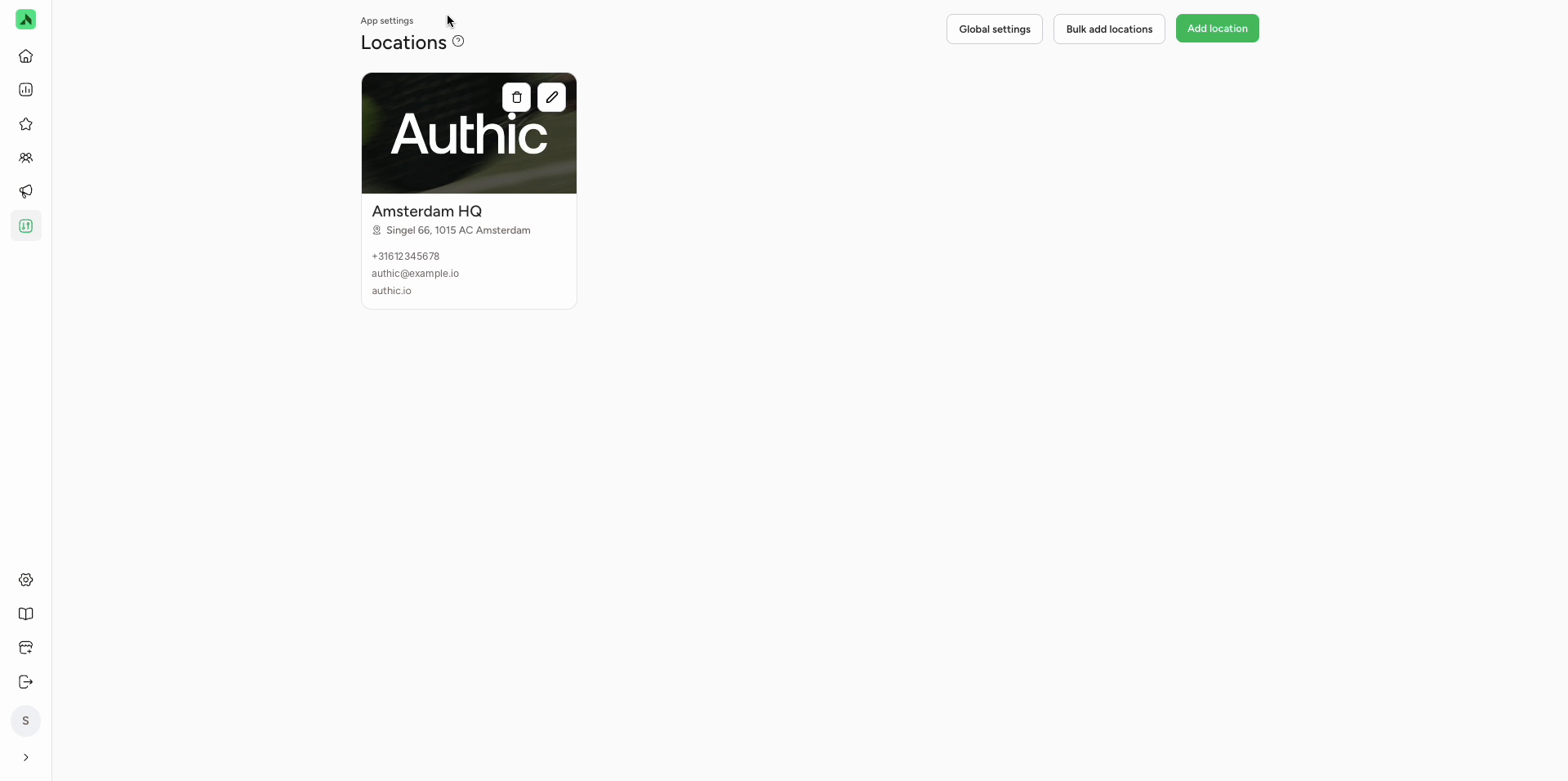
Locations is where you manage your locations' details. Members see this information in the app, so they know where to find you and how to get in touch. Each location has a card showing its image, name, address, phone number, email address and website. Use the icons on the card to edit or delete a location.
Adding a location
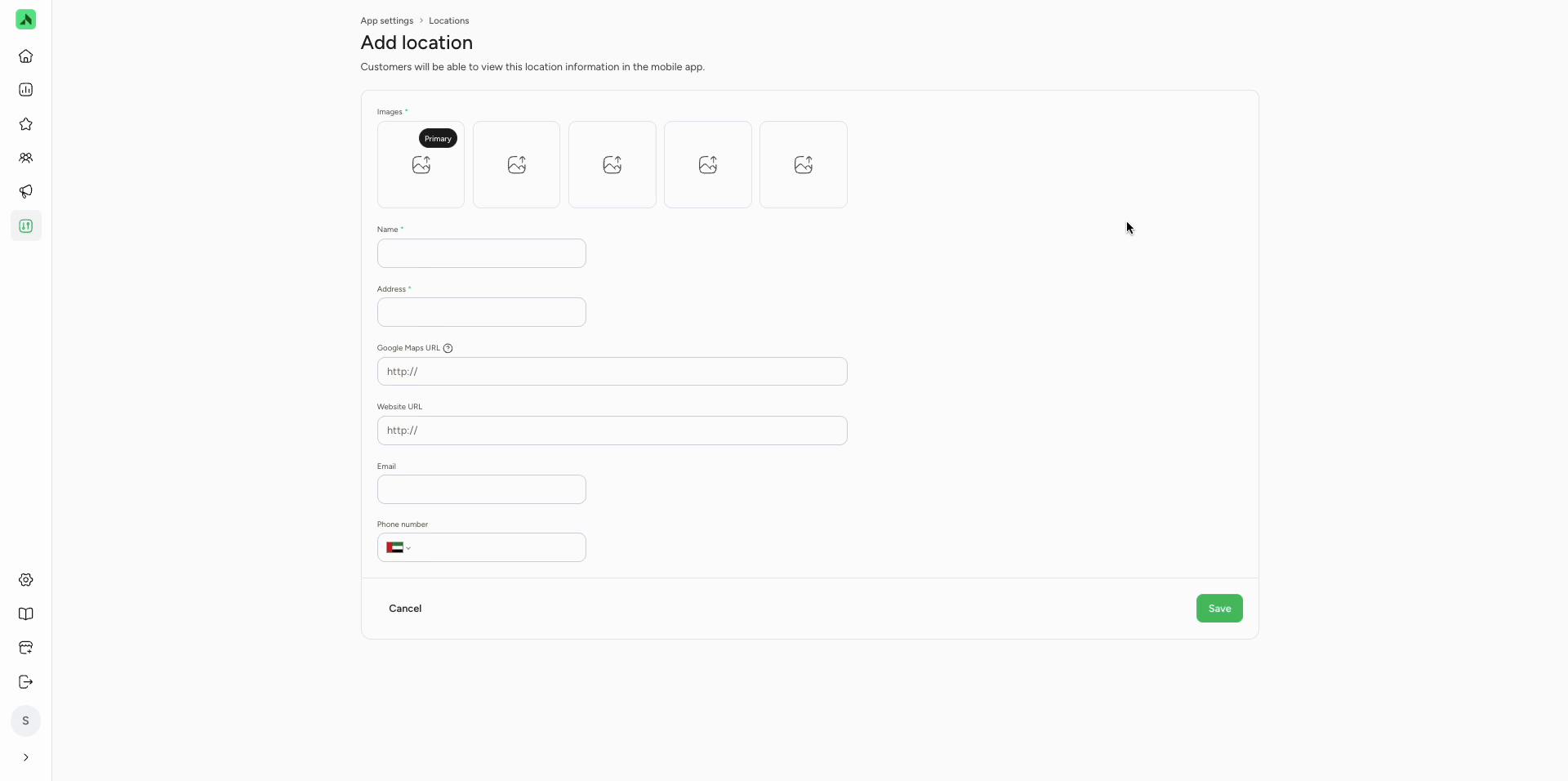
- Click Add location.
- Under Images, add at least one image. The first image is the main one (Primary).
- Enter the location's Name and Address. These fields are required.
- Enter the Google Maps URL (see below for how to find it).
- Optionally, enter the Website URL, Email address and Phone number. A phone number isn't required, but make sure members can reach you some other way.
- Click Save.
Finding your Google Maps URL
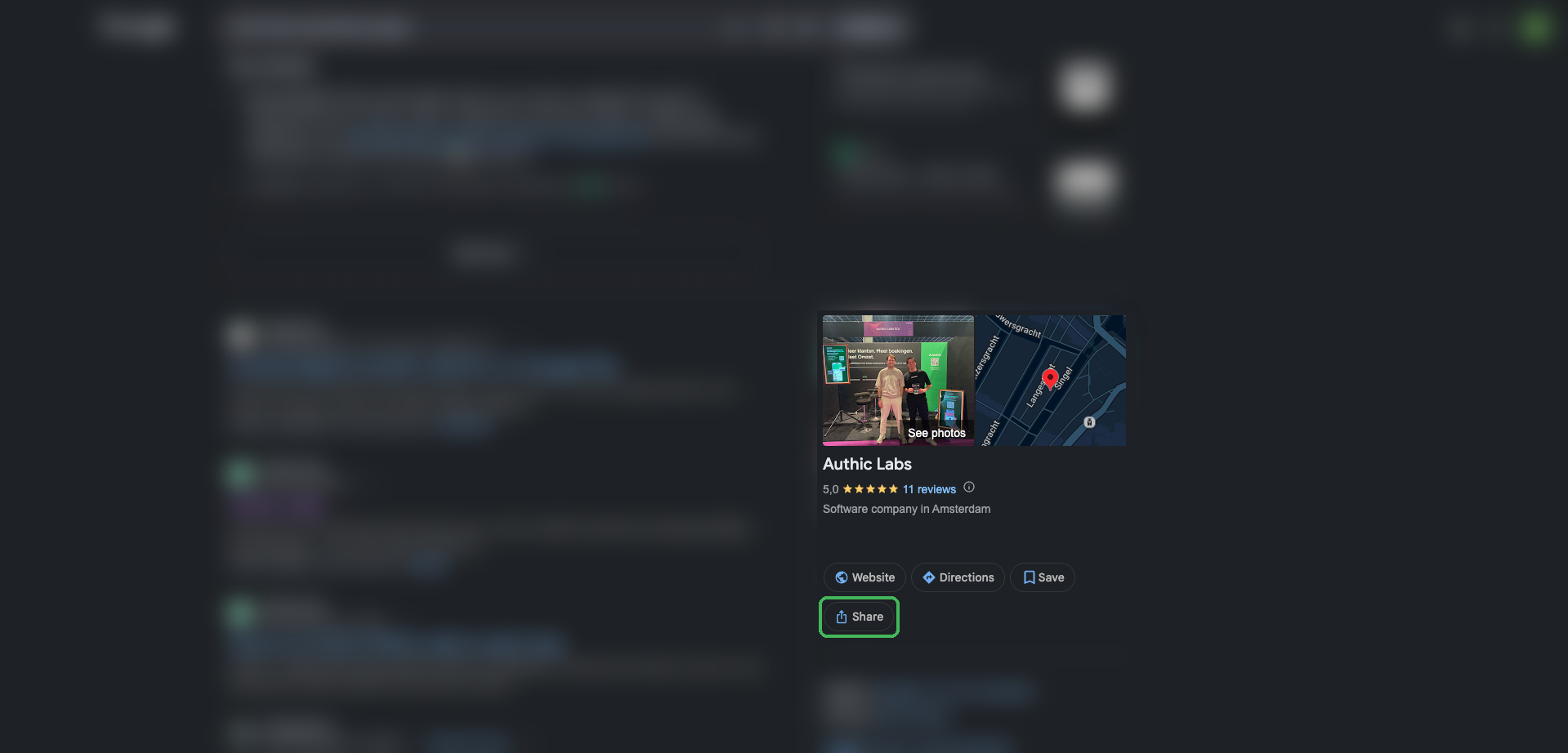
- Search for your business on Google.
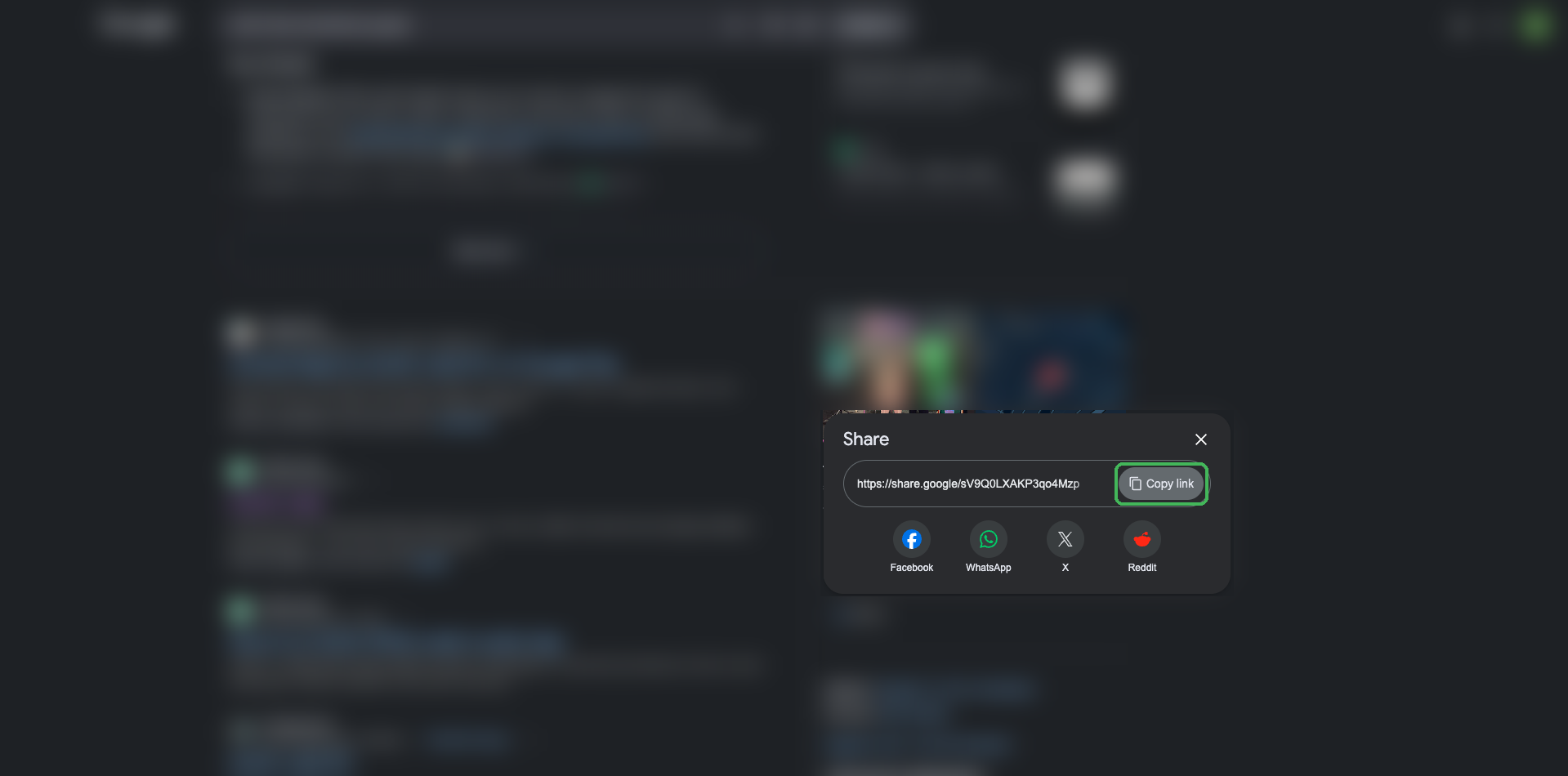
- In your business profile on the right, click Share.
- Click Copy link and paste the link (for example share.google/...) into Google Maps URL.
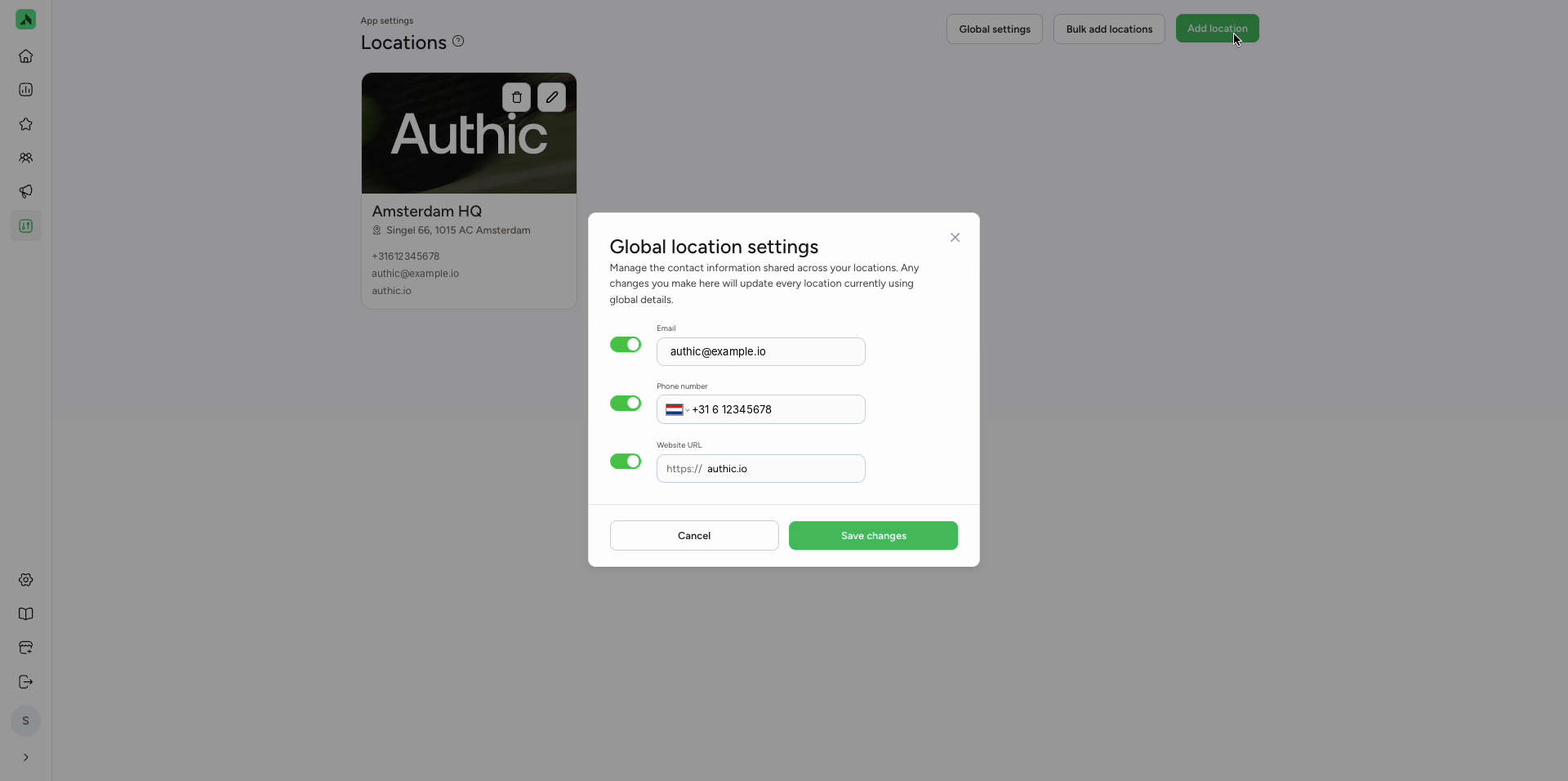
Global settings: the same contact details for every location
Got several locations with the same email address, phone number or website? Click Global settings. Switch on the toggle for each detail and fill it in. Changes here apply to every location that uses the shared details. Click Save changes.
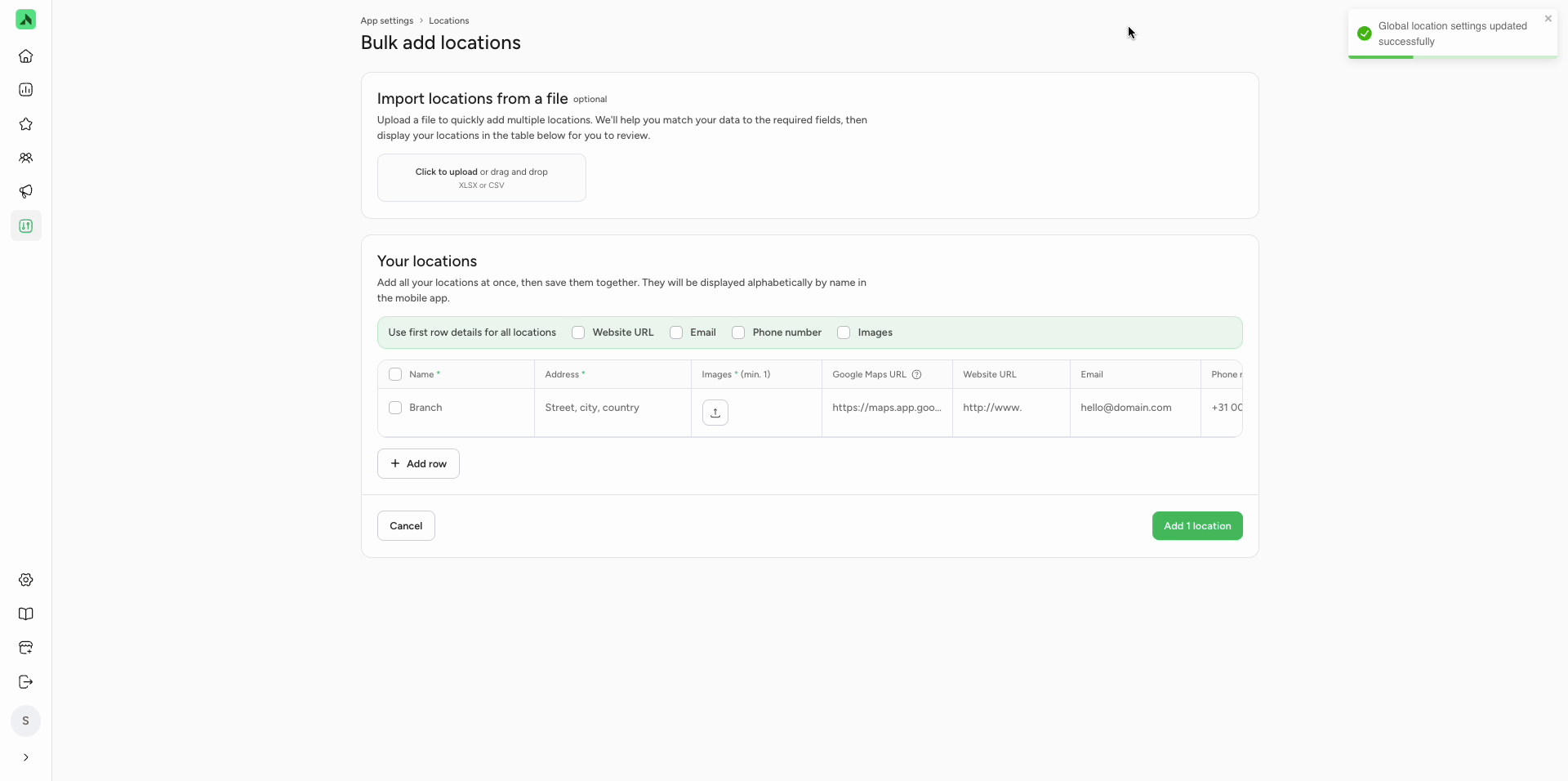
Adding several locations at once
Bulk add locations lets you add multiple locations in one go:
- Optionally, upload an Excel or CSV file with your locations. You map the data to the right fields and then check it in the table.
- Or fill in the table yourself and add rows with Add row.
- Use first row details for all locations applies the website, email address, phone number or images from the first row to every location.
- Click Add ... locations to save them. In the app, locations are listed alphabetically by name.
Editing a location
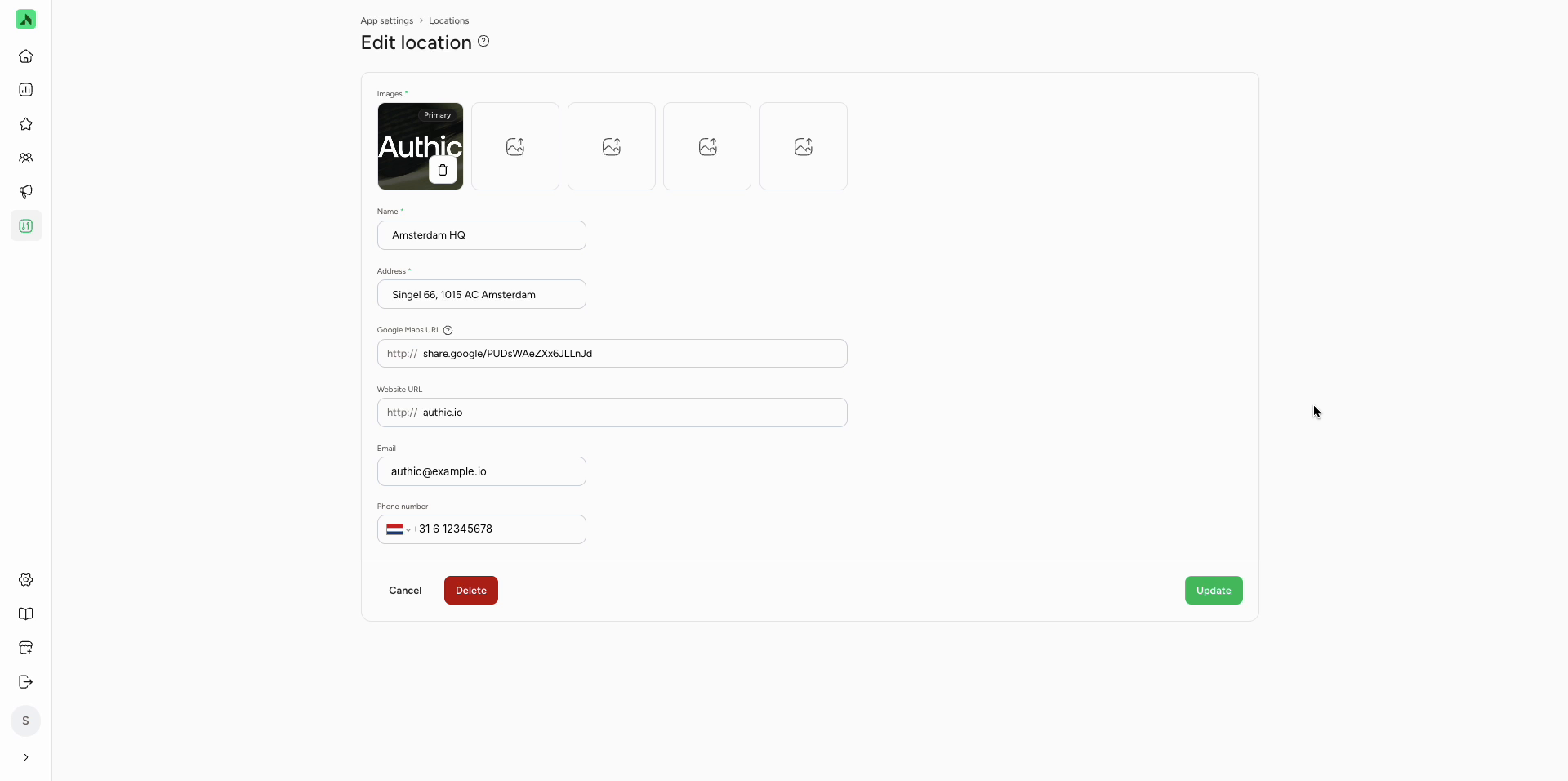
Click the pencil icon on a location's card, update the details and click Update. Use Delete to remove the location.