Under App settings > FAQ management, you manage the frequently asked questions your members see in the app. That way they can find answers themselves to questions like "How do I earn points?" or "How do I redeem a reward?".
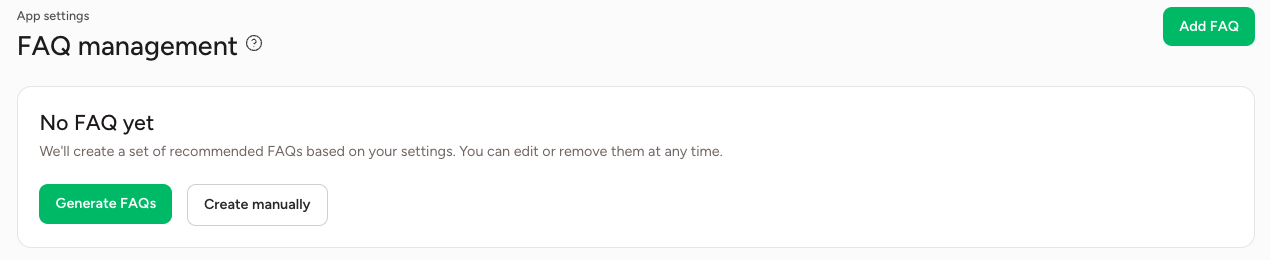
If you don't have any FAQs yet, choose between Generate FAQs and Create manually.
Generating FAQs
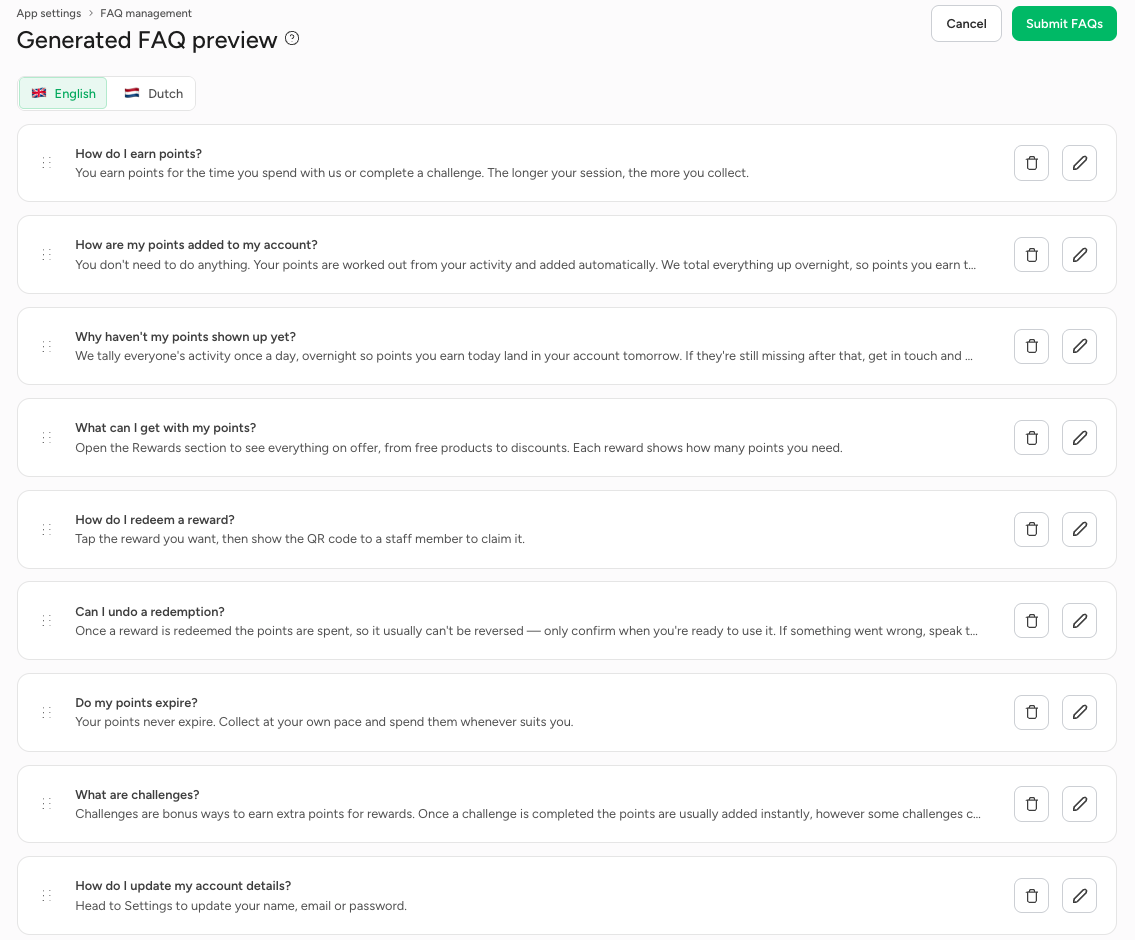
Click Generate FAQs. Based on your settings, a set of recommended questions and answers is prepared for you, in all your app's languages. Use the language buttons at the top to switch between languages.
In the preview, for each question you can:
- change the order by dragging the question by the dots on the left;
- edit the question with the pencil icon;
- delete the question with the bin icon.
Go through all the answers carefully and check they match how your programme works, for example how and when points are added and whether points expire. Then click Submit FAQs to save them. You can always edit or delete them later.
Adding an FAQ yourself
Click Create manually, or later Add FAQ in the top right, to add a question yourself.
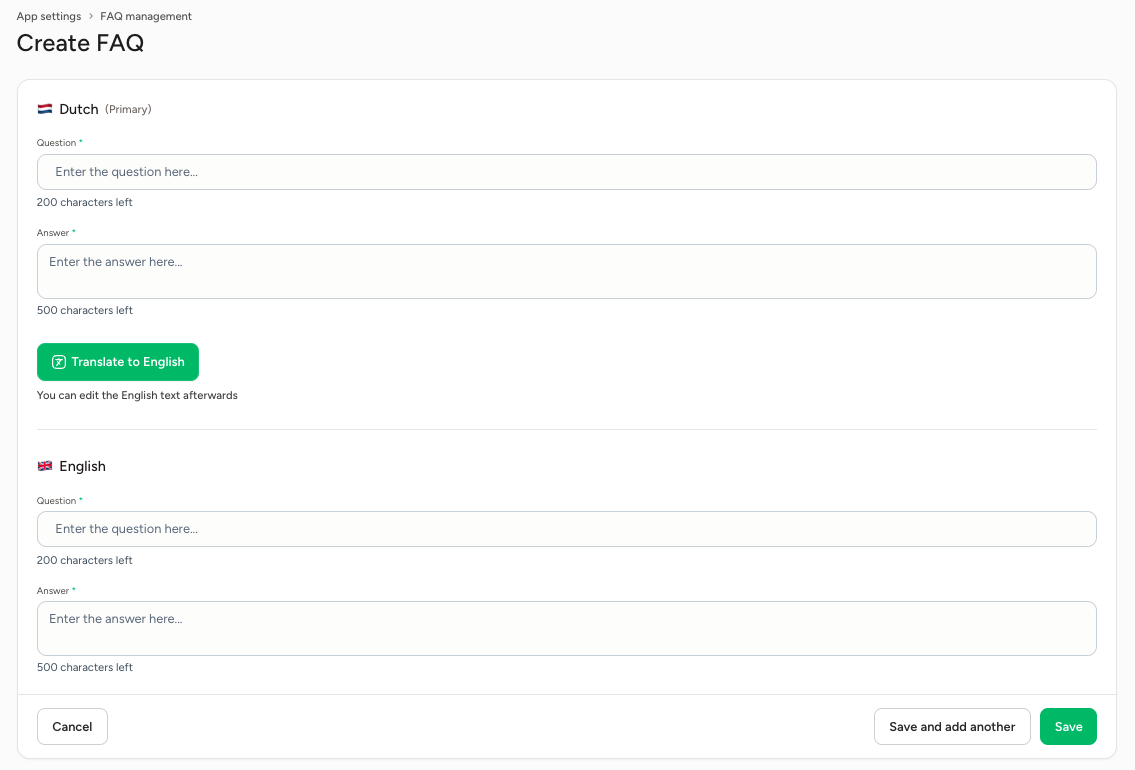
- Enter the question (up to 200 characters) and answer (up to 500 characters) in your primary language.
- Click Translate to English to have the question and answer translated automatically. You can still edit the translation afterwards.
- Click Save, or Save and add another if you want to add another question straight away.