App design is where you decide how your app looks. During the kick-off we set up a first design for you based on your brand identity; you can change everything yourself afterwards. The Live preview on the right shows the result of every change straight away. Click Save when you're done. App design has three tabs.
Layout
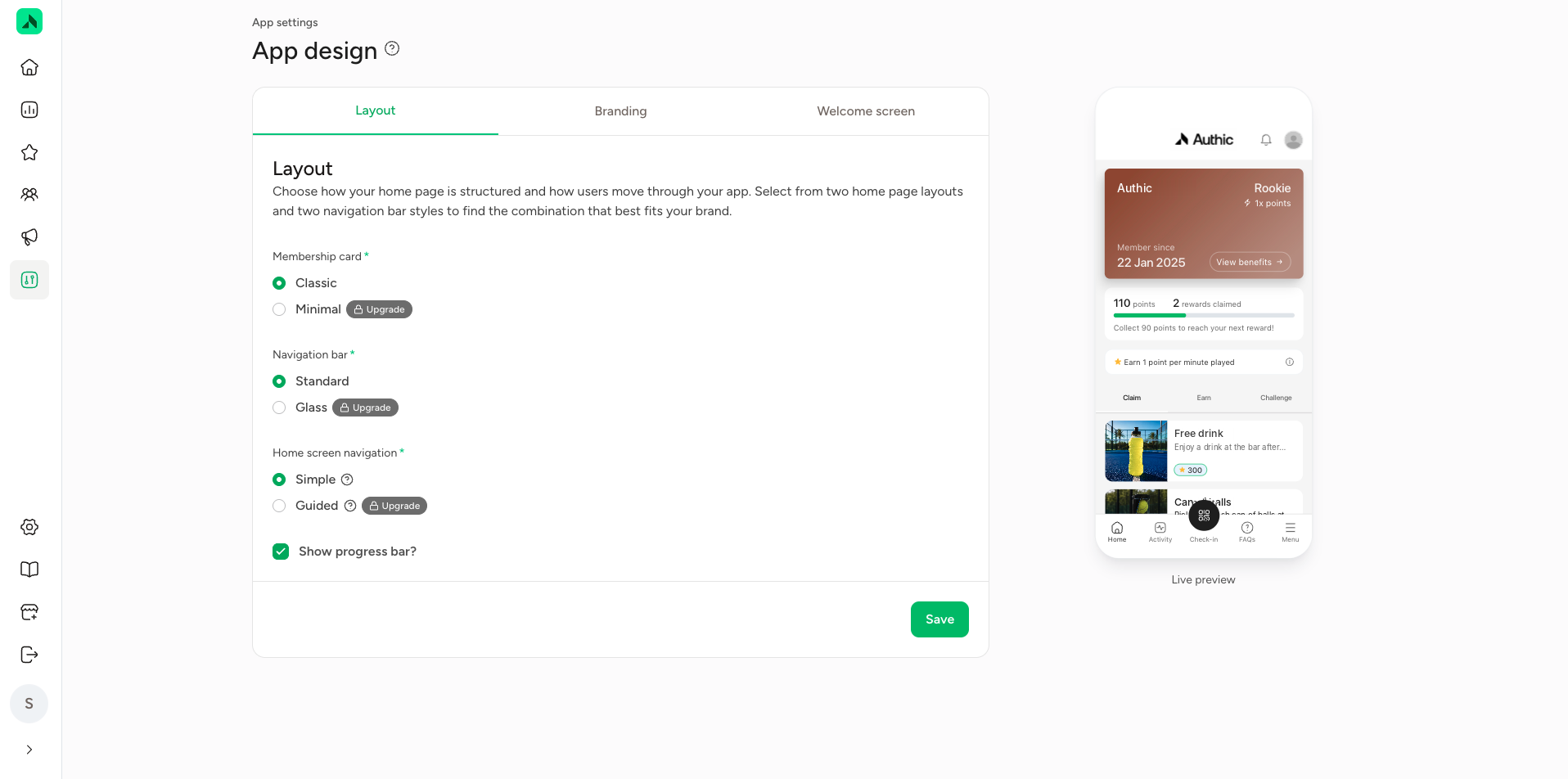
This is where you choose how your home screen is laid out and how members find their way around the app:
- Membership card: how the membership card looks, Classic or Minimal.
- Navigation bar: the style of the navigation bar at the bottom, Standard or Glass.
- Home screen navigation: Simple or Guided.
- Show progress bar?: show or hide the progress bar towards the next reward.
Options labelled Upgrade are available in a more extensive package.
Branding
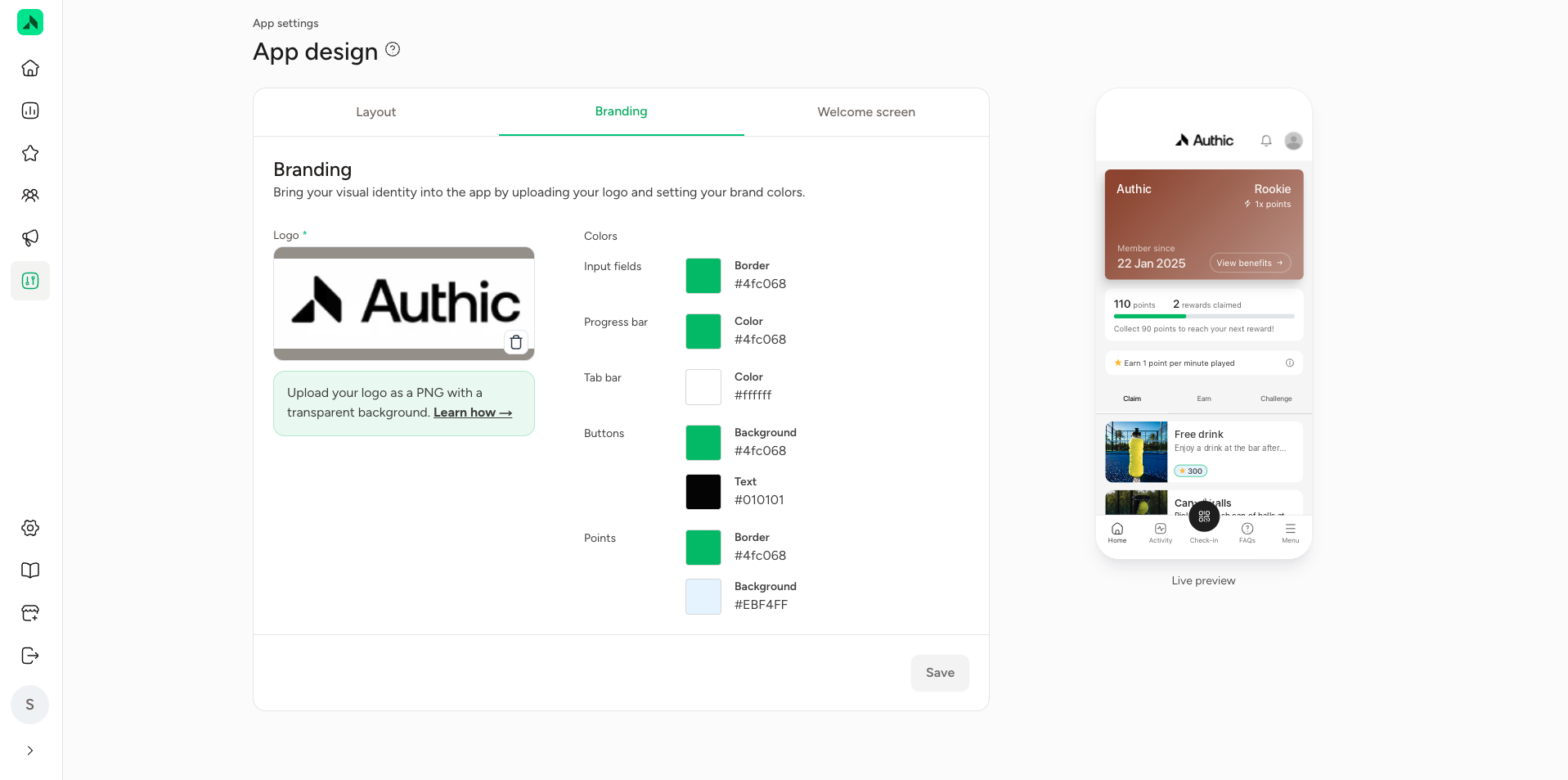
This is where you bring your brand into the app:
- Logo: upload your logo as a PNG with a transparent background. Use a version that stands out well against the app's background.
- Colors: set the colours for input fields, the progress bar, the tab bar, buttons (background and text) and the points display. Click a colour to change it.
The Live preview on the right shows how your logo and colours look in the app. Any change you make shows up right away.
Welcome screen
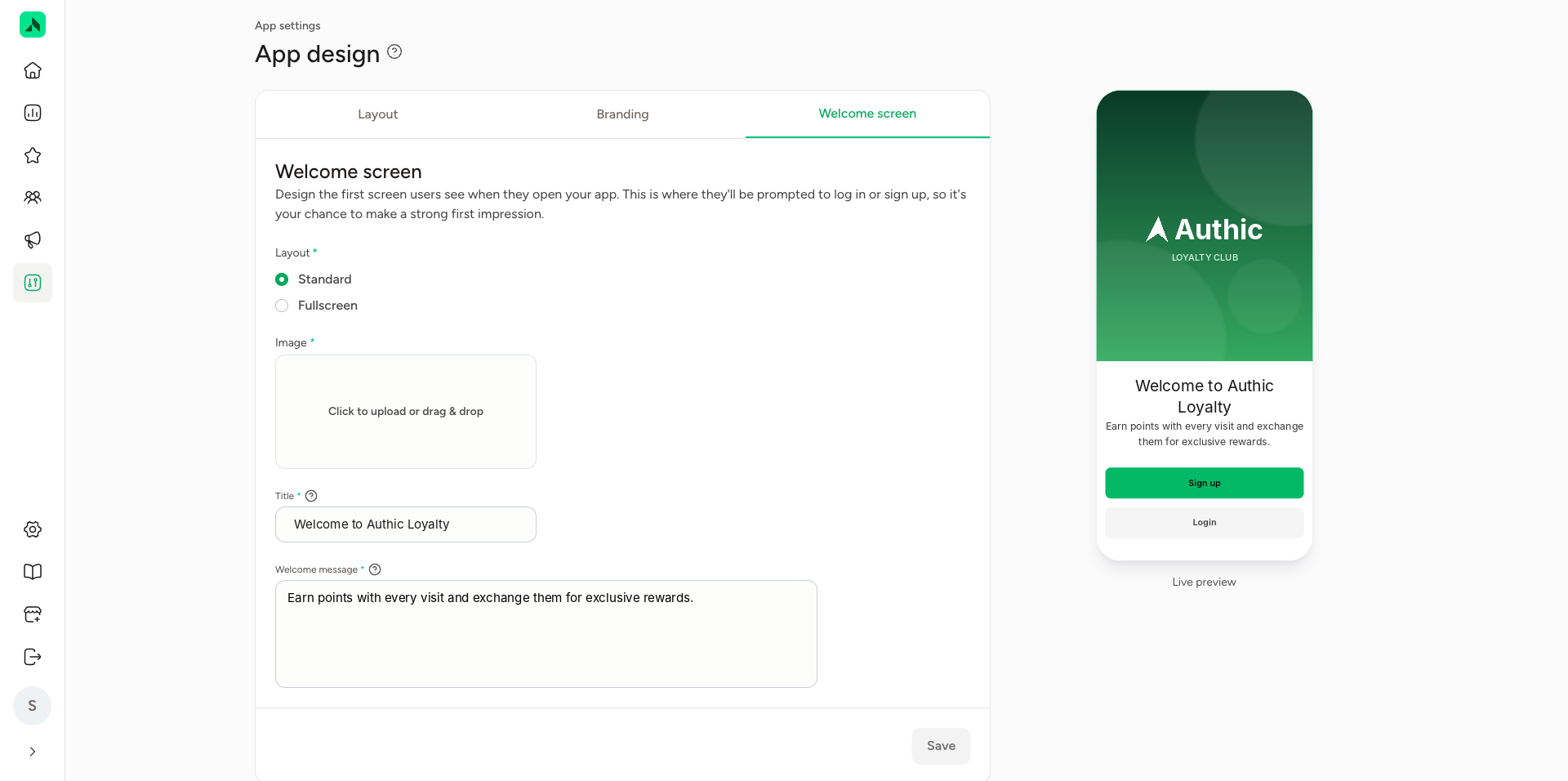
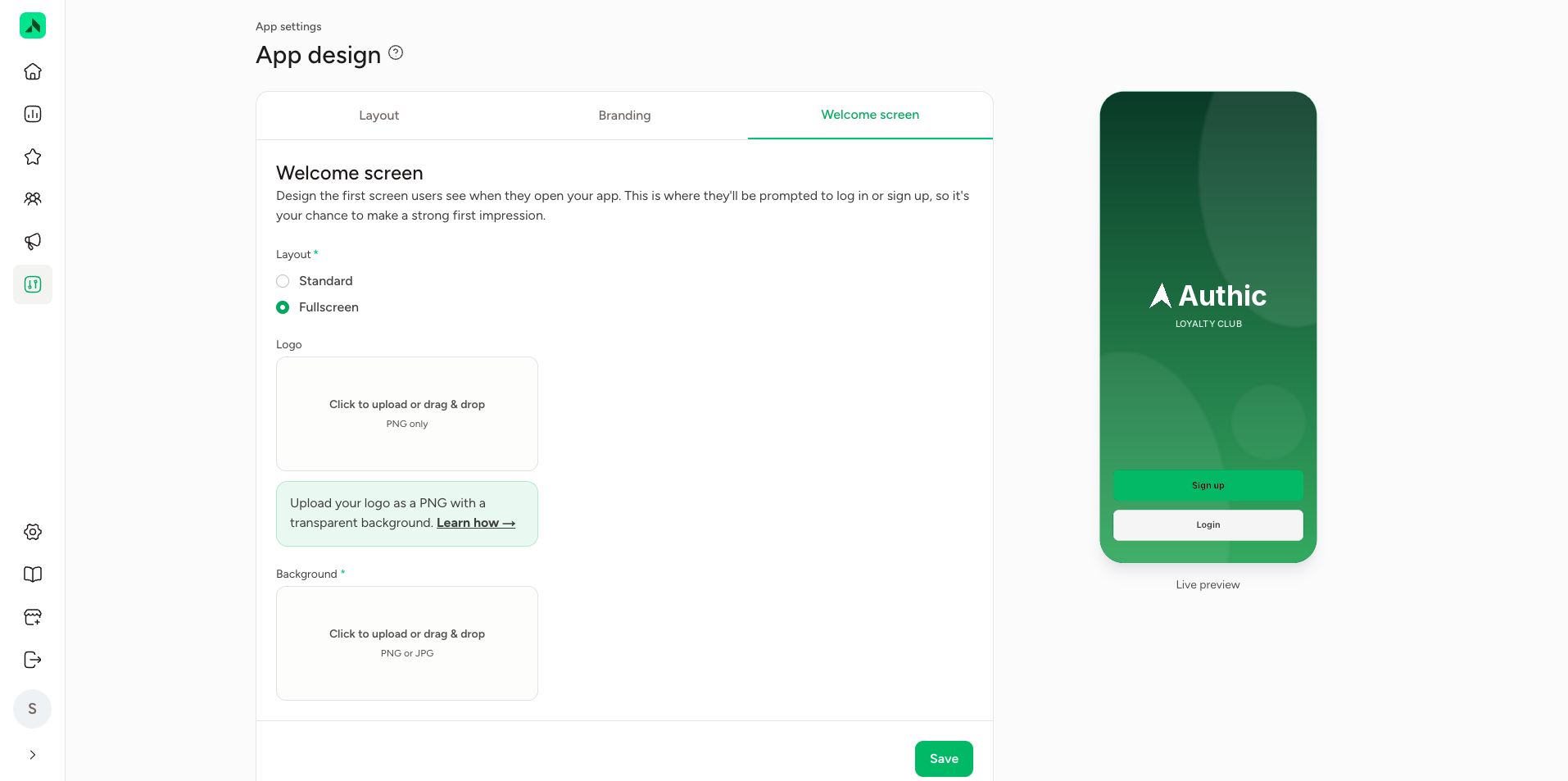
The welcome screen is the first thing members see when they open the app. It's where they log in or create an account, so it's your chance to make a strong first impression. There are two layouts to choose from:
- Standard: an image at the top, with a title and welcome message below it. For example "Welcome to Authic Loyalty" and "Earn points with every visit and exchange them for exclusive rewards."
- Fullscreen: an image that fills the whole screen (PNG or JPG), optionally with your logo on top (PNG).
Is your loyalty programme built into your booking system's app? Then members land straight in the loyalty section and you don't need a welcome screen.